How to pull supplier invoice data into your accounts using Claude
If someone in your business spends Friday afternoons typing numbers off PDFs, this one is for them.
Morologix · 5 October 2026 · 6 min read
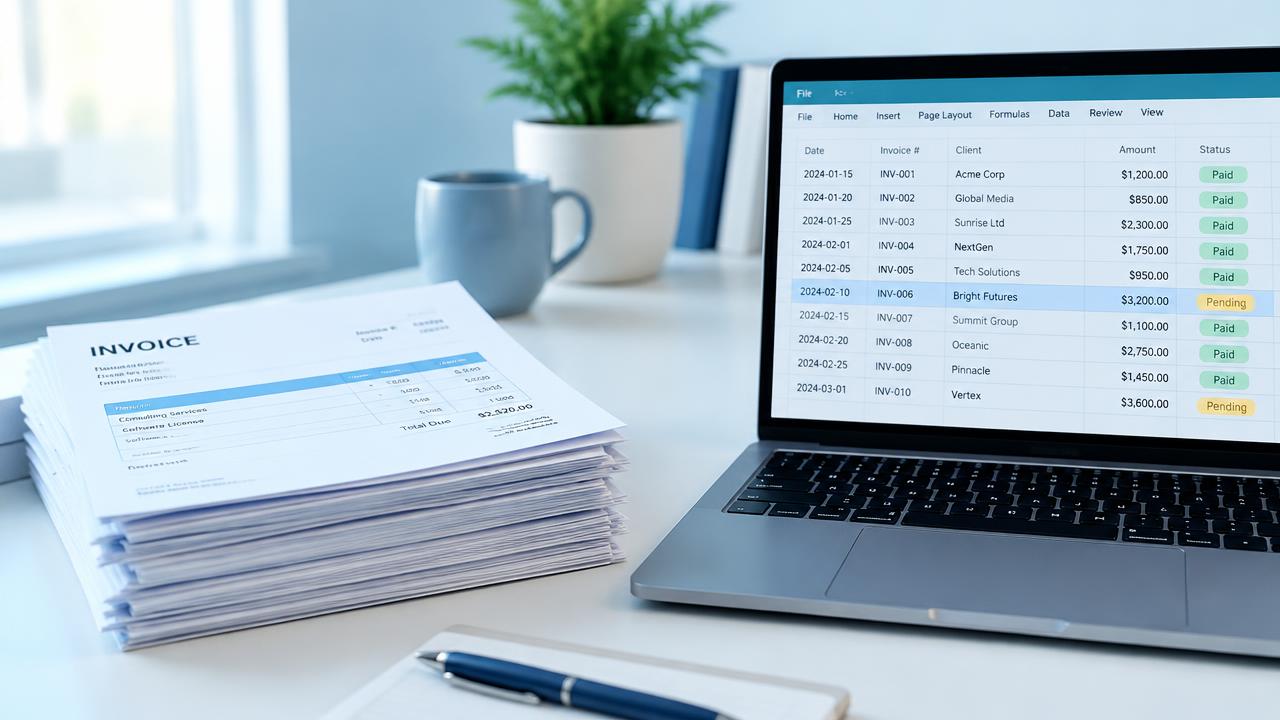
Every supplier sends invoices in a different layout. Some are tidy PDFs, some are scanned at an angle, some are photos of a receipt on a car dashboard. Somebody in your business turns all of that into numbers in the accounts, by hand.
Claude reads documents and images very well, which makes this one of the more satisfying jobs to hand over.
The quick version
Drop a batch of invoices into Claude and ask:
For each invoice, extract supplier name, invoice number, invoice date, due date, net amount, VAT amount, total, and a one line description. Return a table. If any value is unclear or missing, leave it blank and mention it underneath.
Copy the table into a spreadsheet or use it to check against what your accounting software already picked up. For a small number of invoices a month, this alone saves real time.
Checks you should always keep
Totals must add up. Ask Claude to confirm net plus VAT equals the total for each line, and flag any that do not.
Watch for duplicates. The same invoice arriving twice, once by email and once by post, is a classic way to pay a supplier double.
Never let it approve payment. Extraction is the boring part. Deciding what gets paid stays with a person.
The version that runs itself
Xero and QuickBooks both have their own capture tools, and for simple cases those are worth using first. Where they fall short, typically with line items, unusual suppliers or matching against purchase orders, we build a small pipeline. Invoices sent to a dedicated email address get read, checked against your rules, and created as draft bills, with anything odd held back for review.
For a business handling a few hundred invoices a month, that tends to give back a day or two of someone's time every month. If that sounds like your Friday afternoons, let us know.
Applying this in your business
A reliable invoice process needs validation and approval, not just extraction. See how we plan AI applications and business workflow automation.
Want this applied to your business?
Talk through your process with us and work out whether any of these ideas are worth pursuing.
Contact usKeep reading
How much does it cost to build an AI powered app in the UK?
Quotes for the same idea can range from a few thousand pounds to six figures. Here is what you are actually paying for at each stage, and what a fair price looks like today.

AI explained in ten minutes: what a business owner actually needs to know
You do not need to understand how an engine works to drive a car. Here is the driver's guide to AI.

Five AI myths that are costing small businesses money
Some businesses are wasting money on AI. Far more are losing money by avoiding it for reasons that simply are not true.